 TradeJournal
Everything in the journal, shown as it really is.
Each feature says which plan includes it. Every screen is real, using sample data from a demo account.
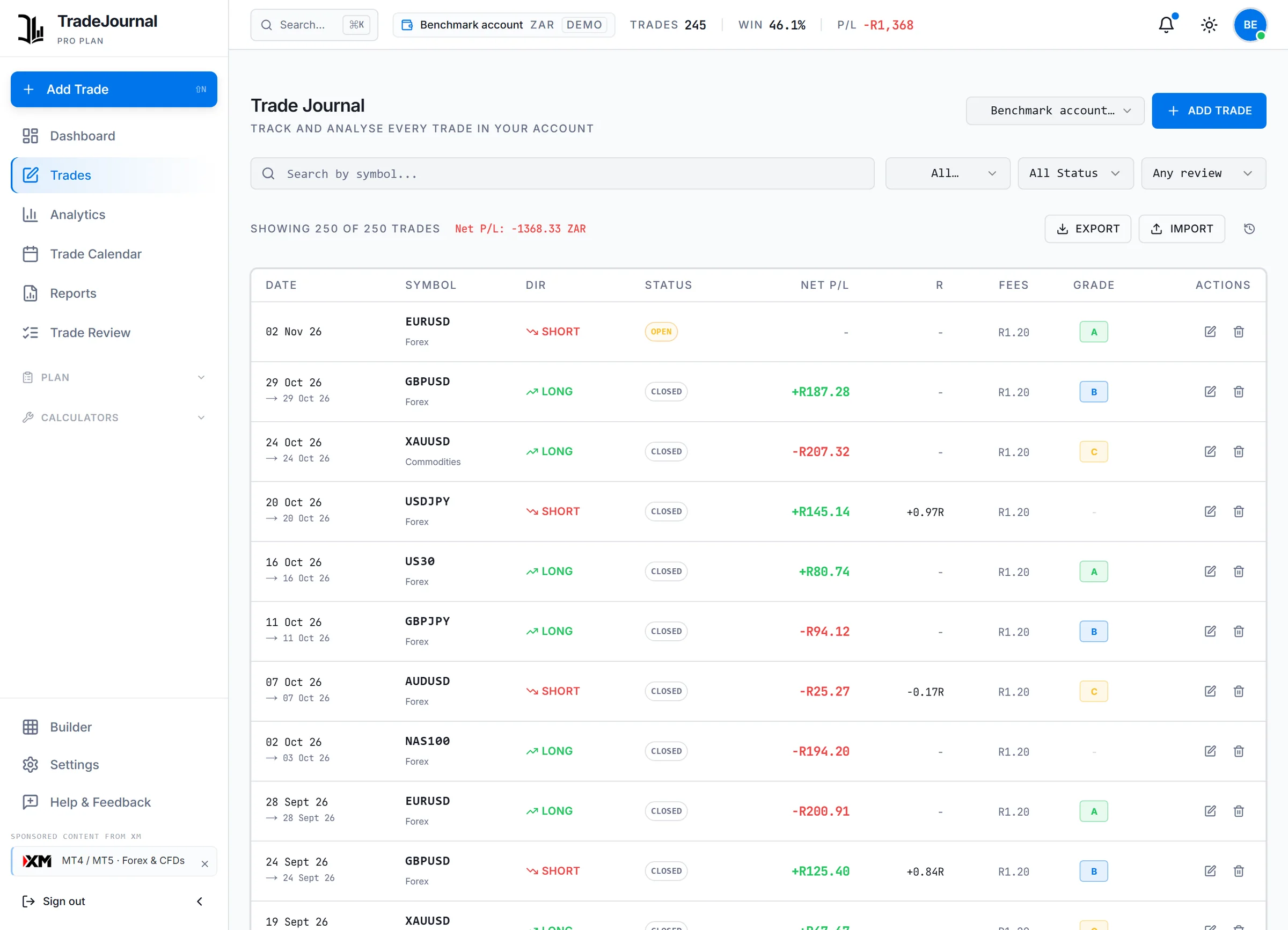
Journal every trade
Every plan
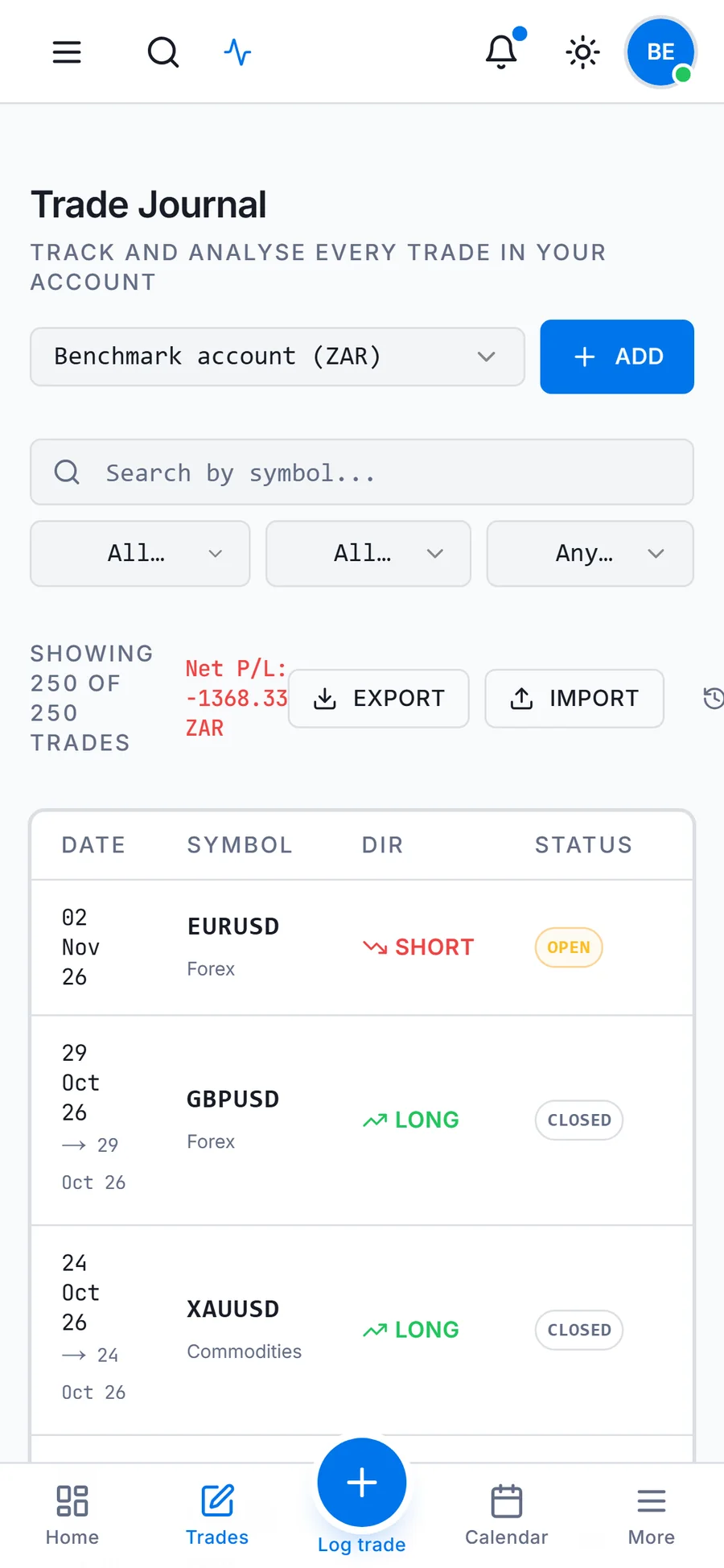
Quick Add takes the essentials. The full form adds stop-loss, target, risk and notes.
- Net P/L worked out in your account currency
- Quick Add from your phone's browser
- Search by symbol and filter by status
- Trade calendar and daily plan
Review what you did
Every plan. Review queue on Basic and Pro.
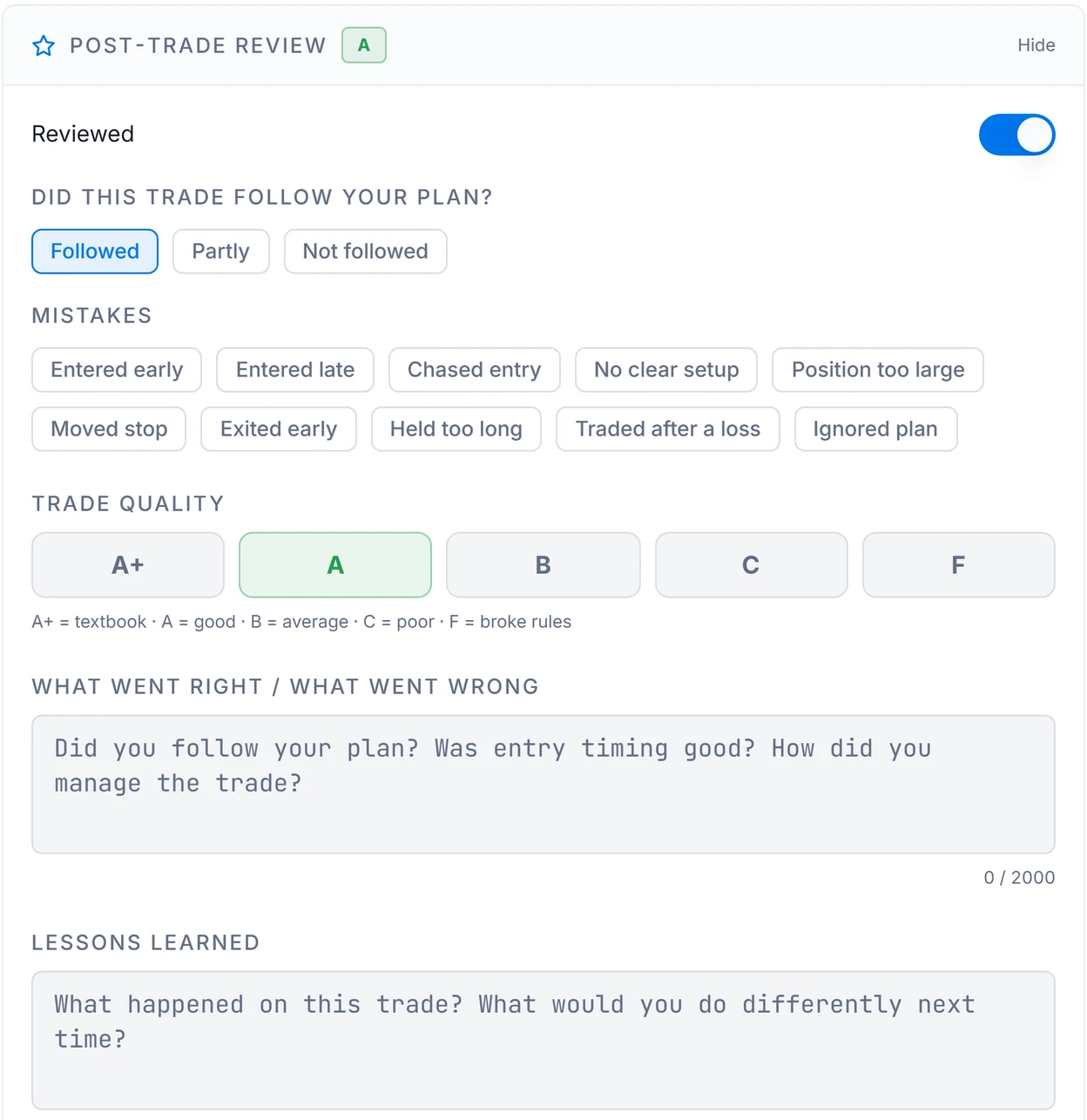
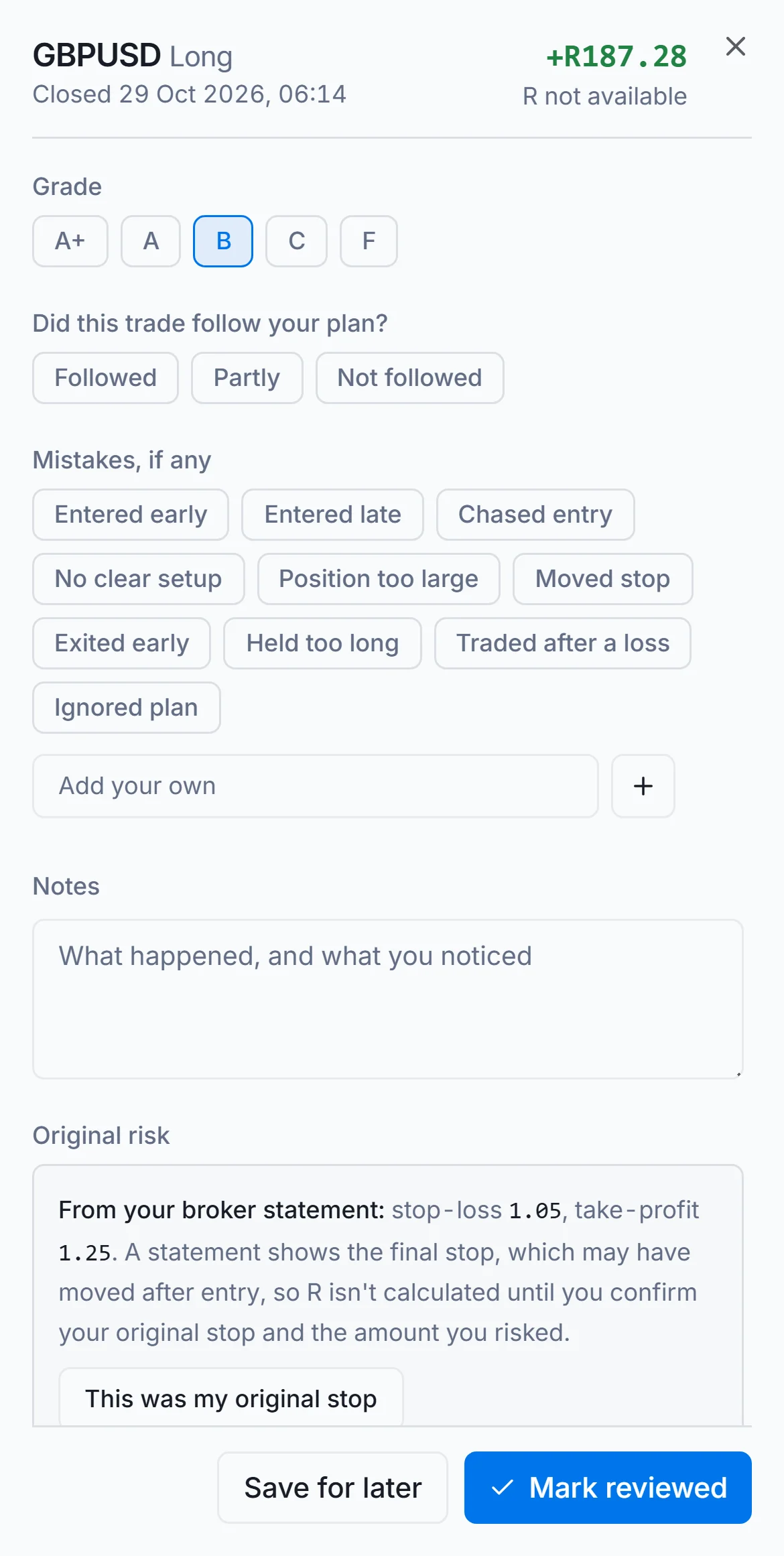
Record whether you followed your plan, tag what went wrong and grade the trade. Your notes stay with it.
- Followed, partly or not followed
- Ten mistake tags, such as Moved stop
- Grades from A+ to F
- Basic adds a queue of unreviewed trades
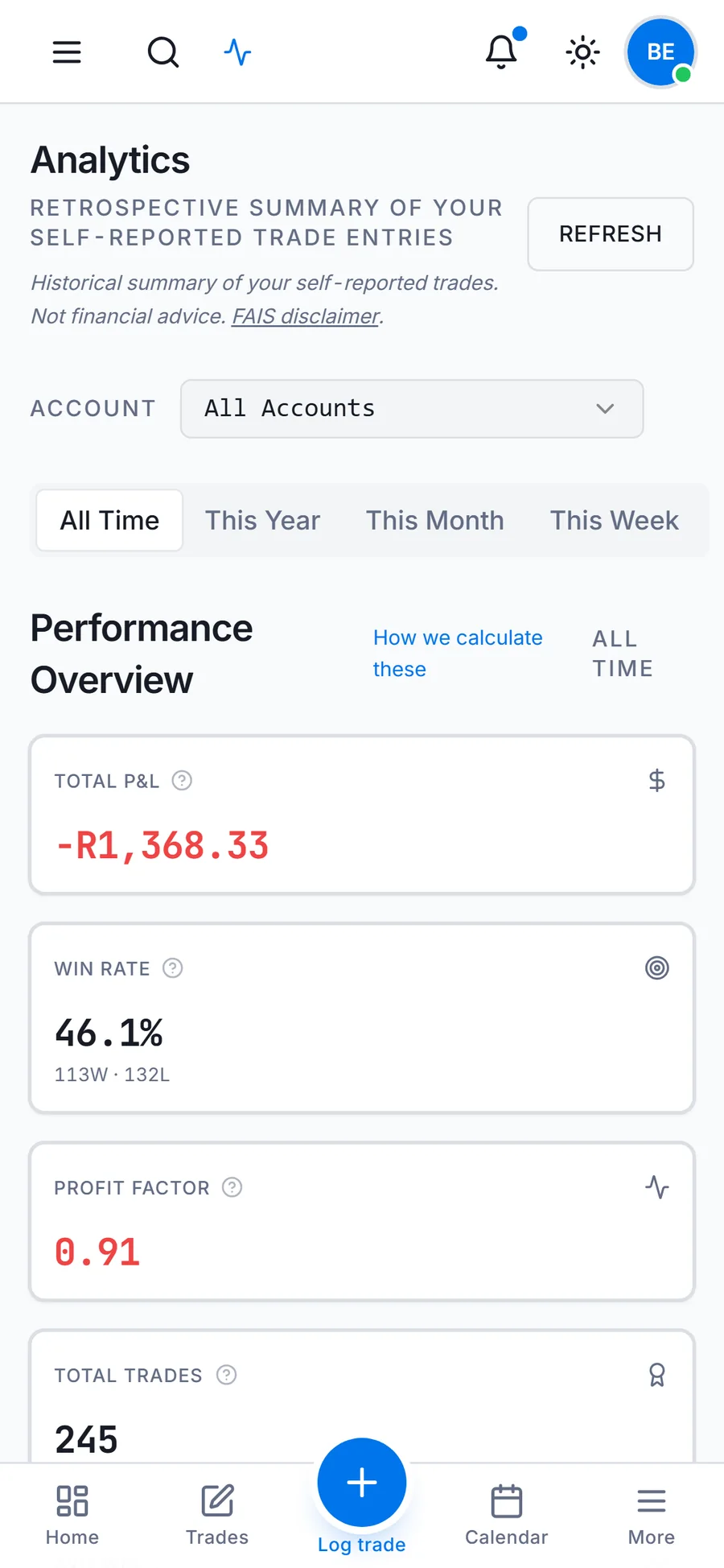
See your own history
Weekday and pair on every plan. Full Analytics on Basic and Pro.
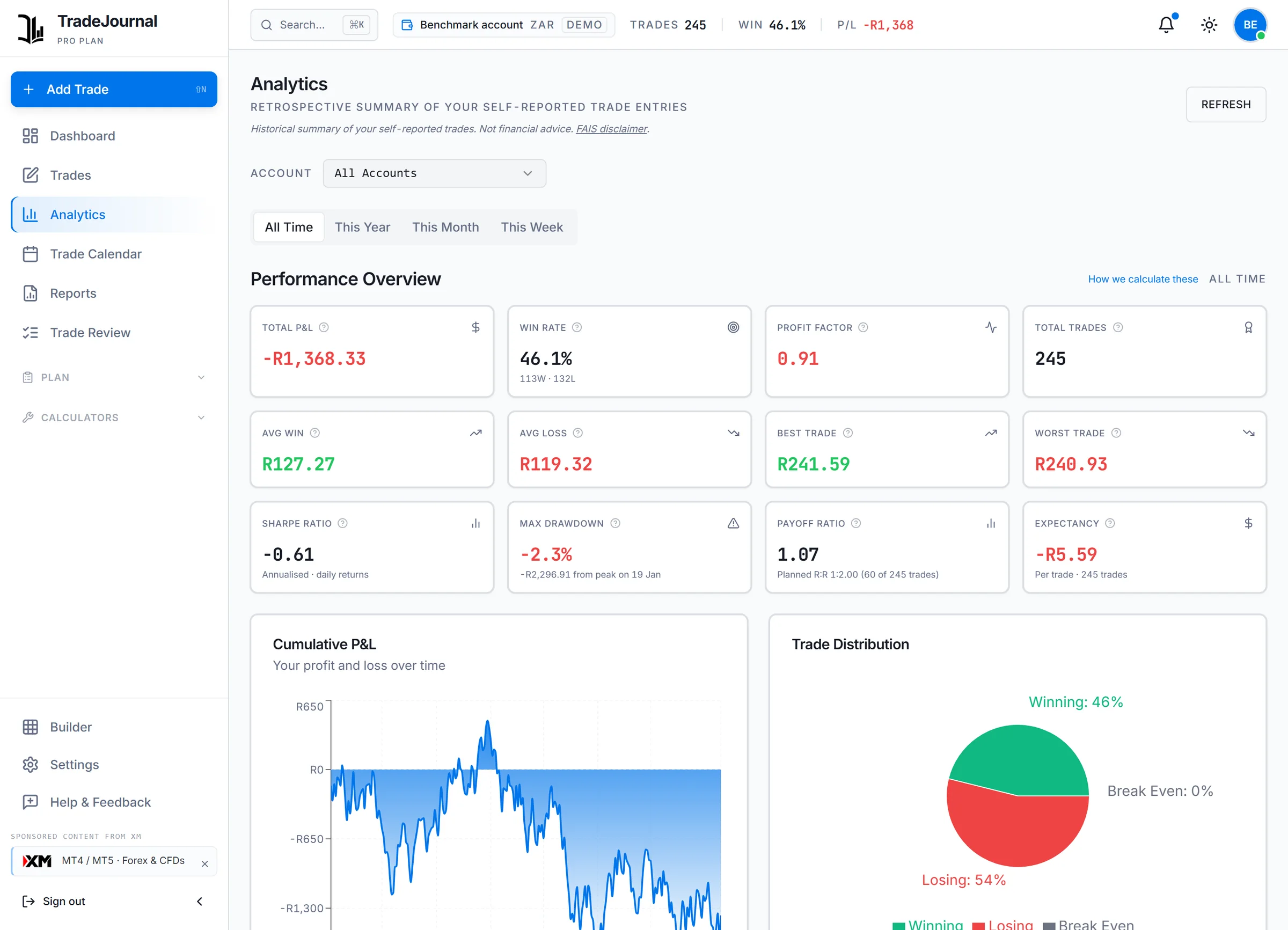
Your closed trades, grouped so you can read them. These numbers describe the past and don't predict anything.
- Win rate and profit factor
- Equity curve and drawdown on your dashboard
- Performance by weekday and pair
- Basic adds 12 metrics, a monthly grid, tag and strategy analytics
Build your own dashboards
Pro
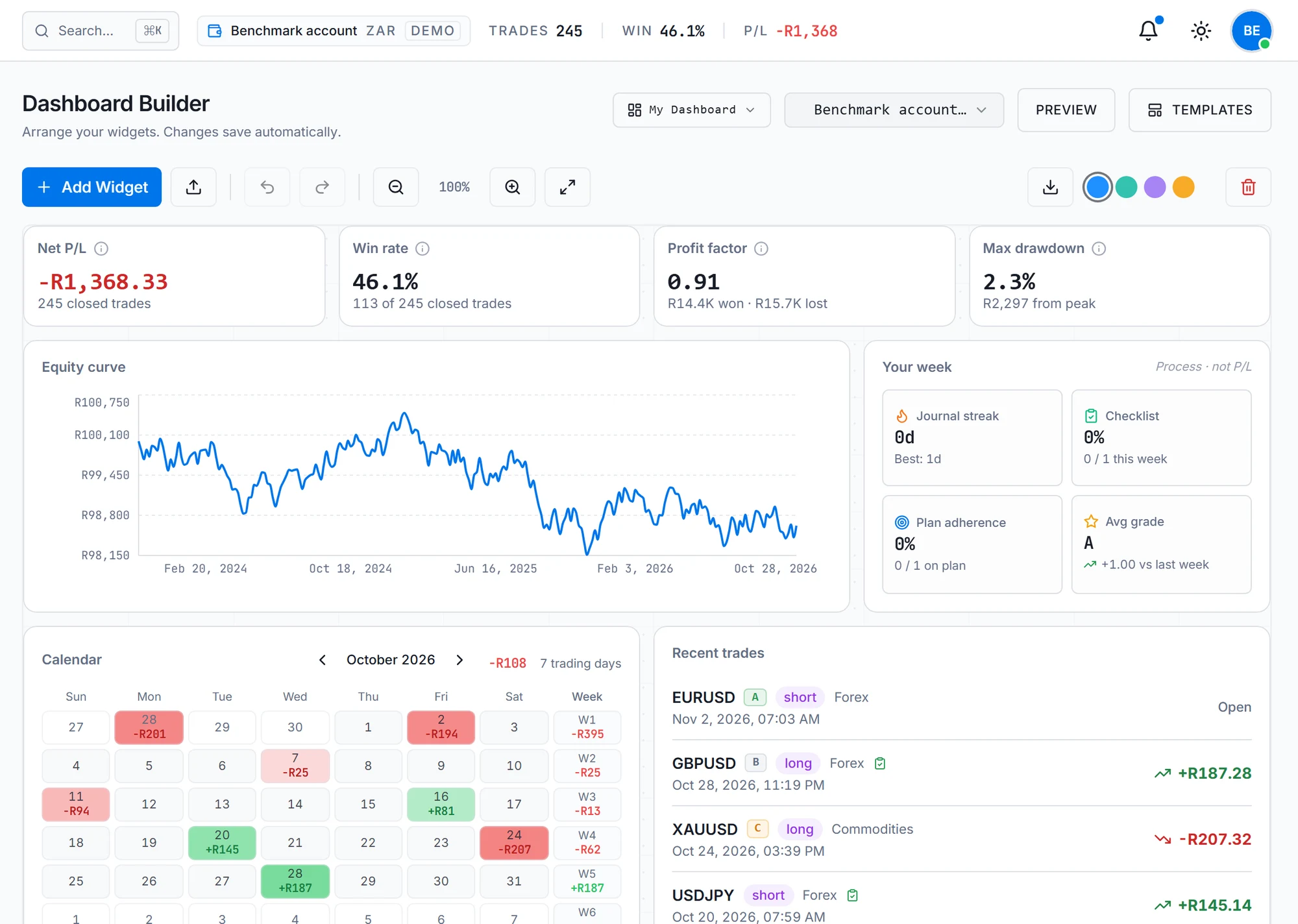
Arrange the numbers you care about and save different layouts for different accounts. Arranging widgets needs a larger screen, such as a tablet or computer.
- Dashboard builder with 28+ widgets
- Multiple saved dashboards
- A Free or Basic plan has one dashboard
Import broker statements
Pro
Bring in your history from a statement or export file. You see a preview before anything is saved, and each import can be undone.
- MetaTrader 4
- MetaTrader 5
- cTrader
- TradeLocker
- OANDA
- FxPro
- NinjaTrader
- TradingView
- Generic CSV / JSON
Track funded accounts
Pro
Set up funded and prop-firm accounts and keep an eye on your challenge rules next to your journal.
- Funded and prop-firm account types
- Challenge compliance tracking
- Unlimited accounts
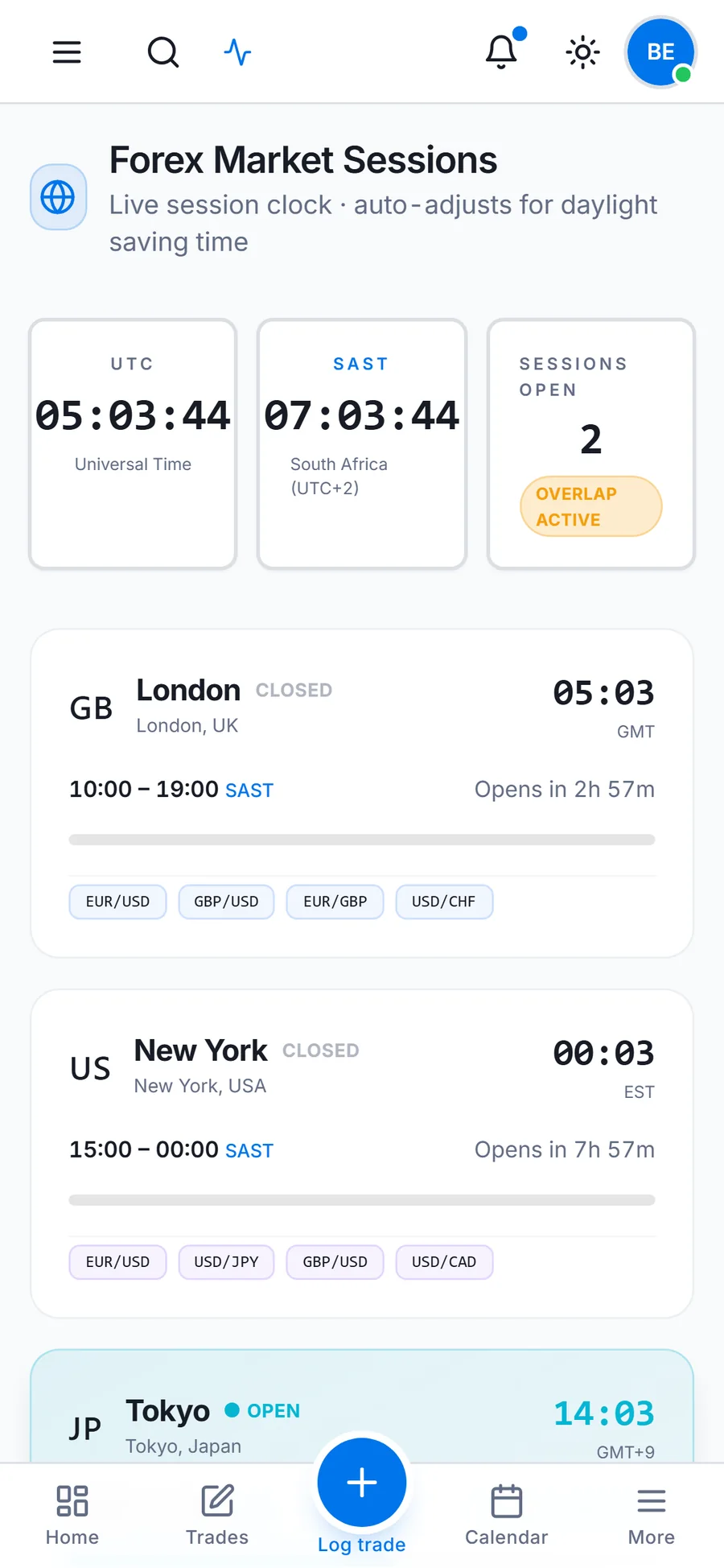
Sessions in South African time
Clock on every plan. Session performance on Pro.
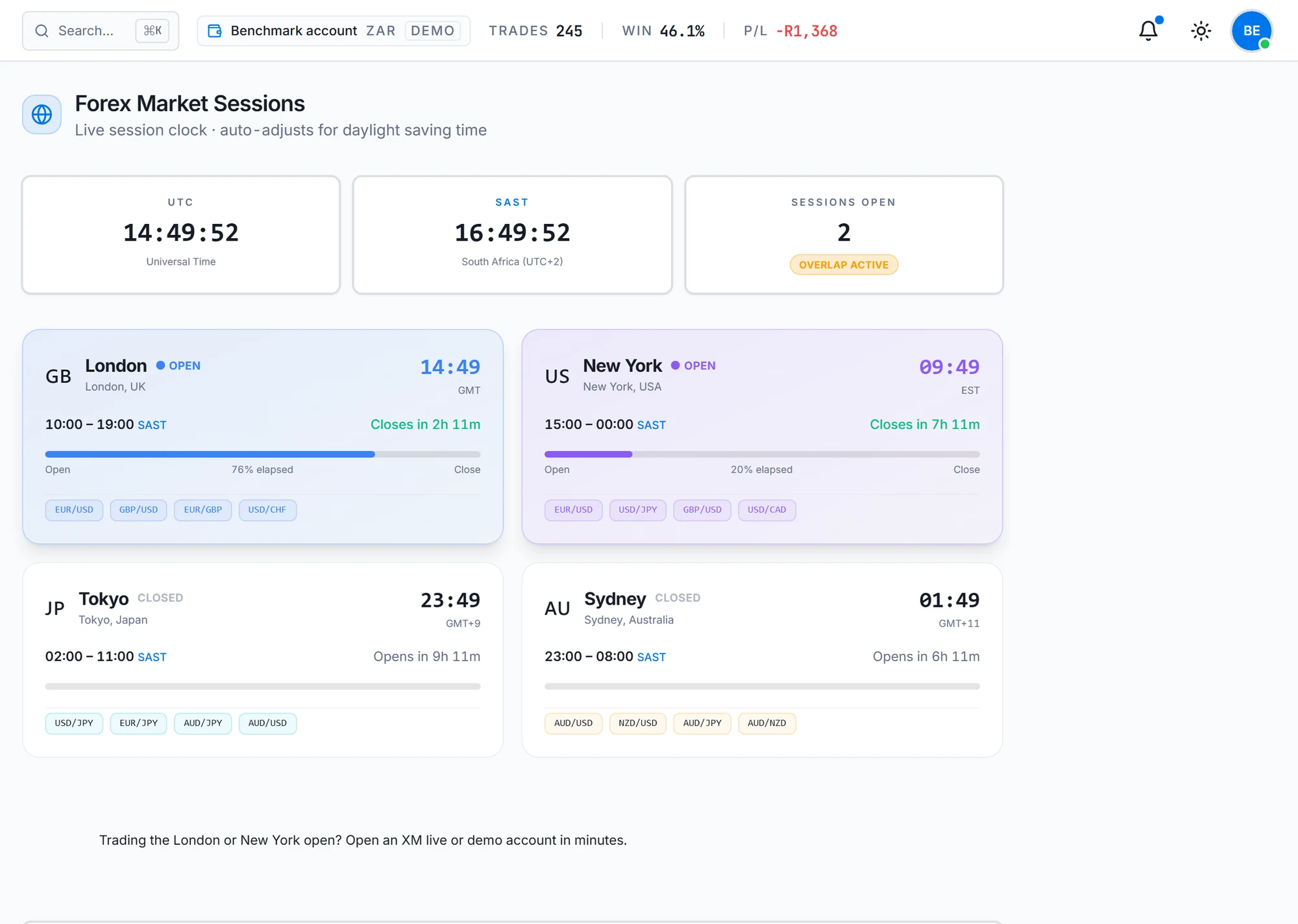
See every session in SAST, adjusted automatically when other markets change their clocks.
- Live session clock
- Economic calendar
- Forex calculators
- Pro adds your results per session
Keep a clean record
CSV on Basic and Pro. Reports on Pro.
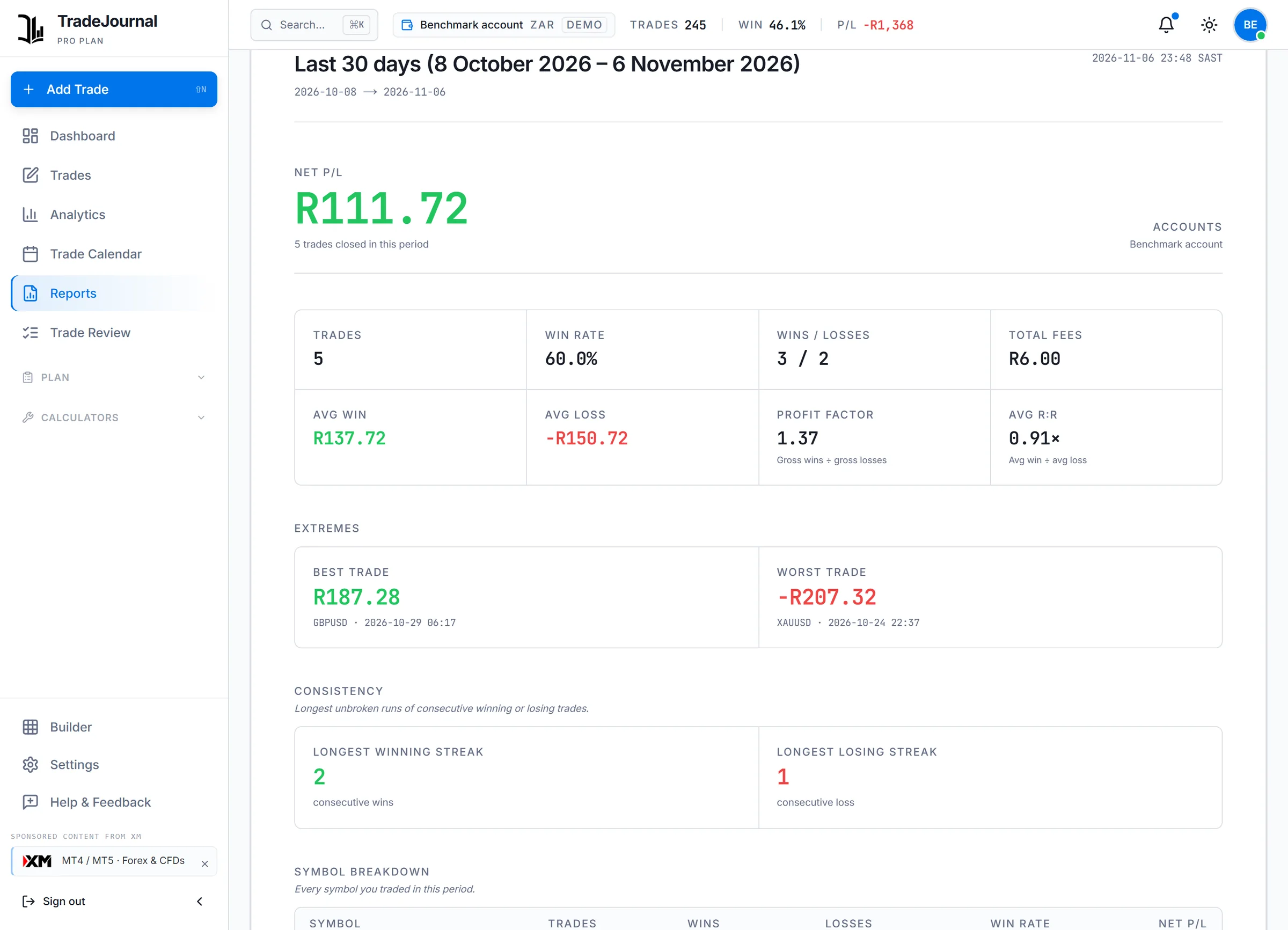
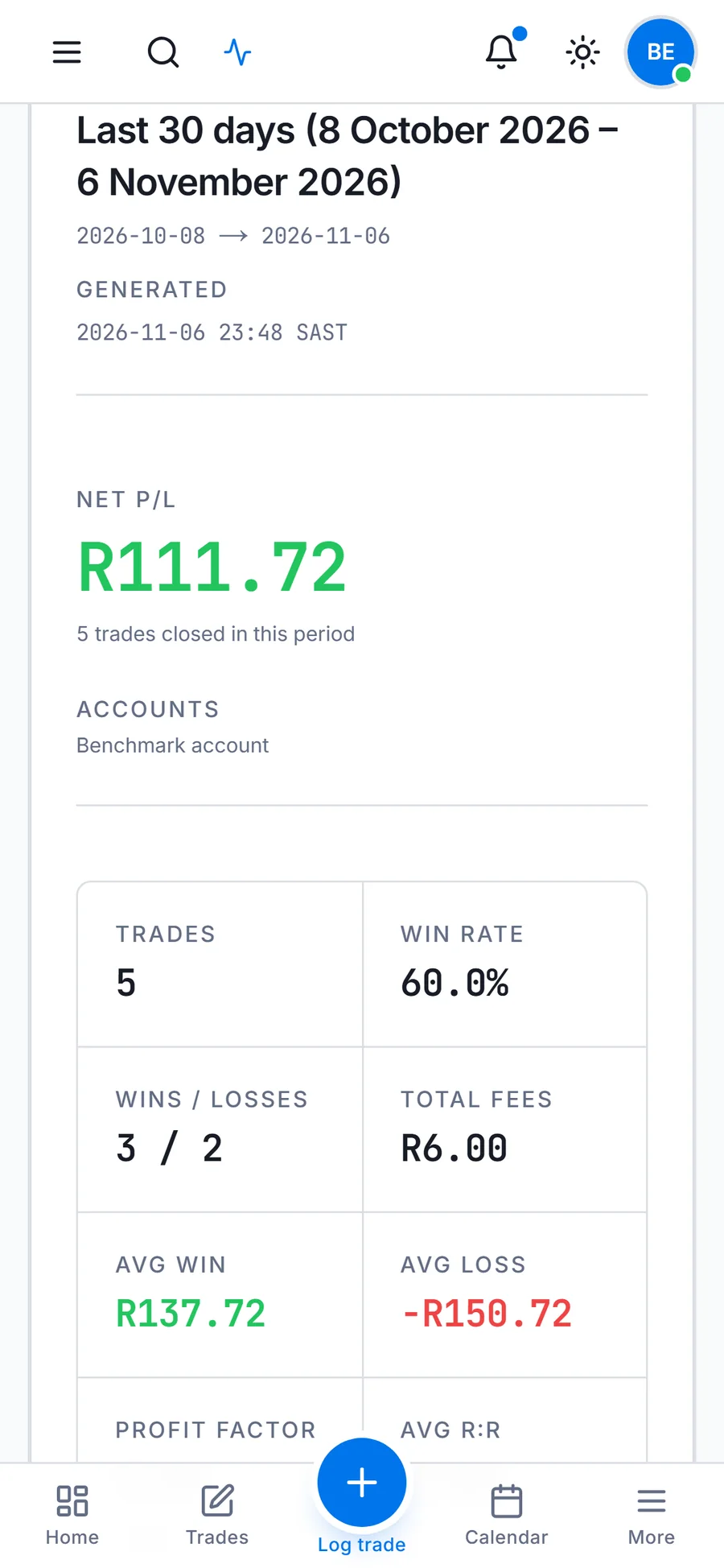
Export your trades, or produce a period report as CSV or PDF. It's a record of what you logged, not tax advice.
- CSV export of your trades
- Reports with CSV and PDF export
- Print-friendly summaries
A journal, not a signal service.
TradeJournal has no AI, no signals, no predictions and no trade recommendations. It keeps your record and adds up your own history.
Start free